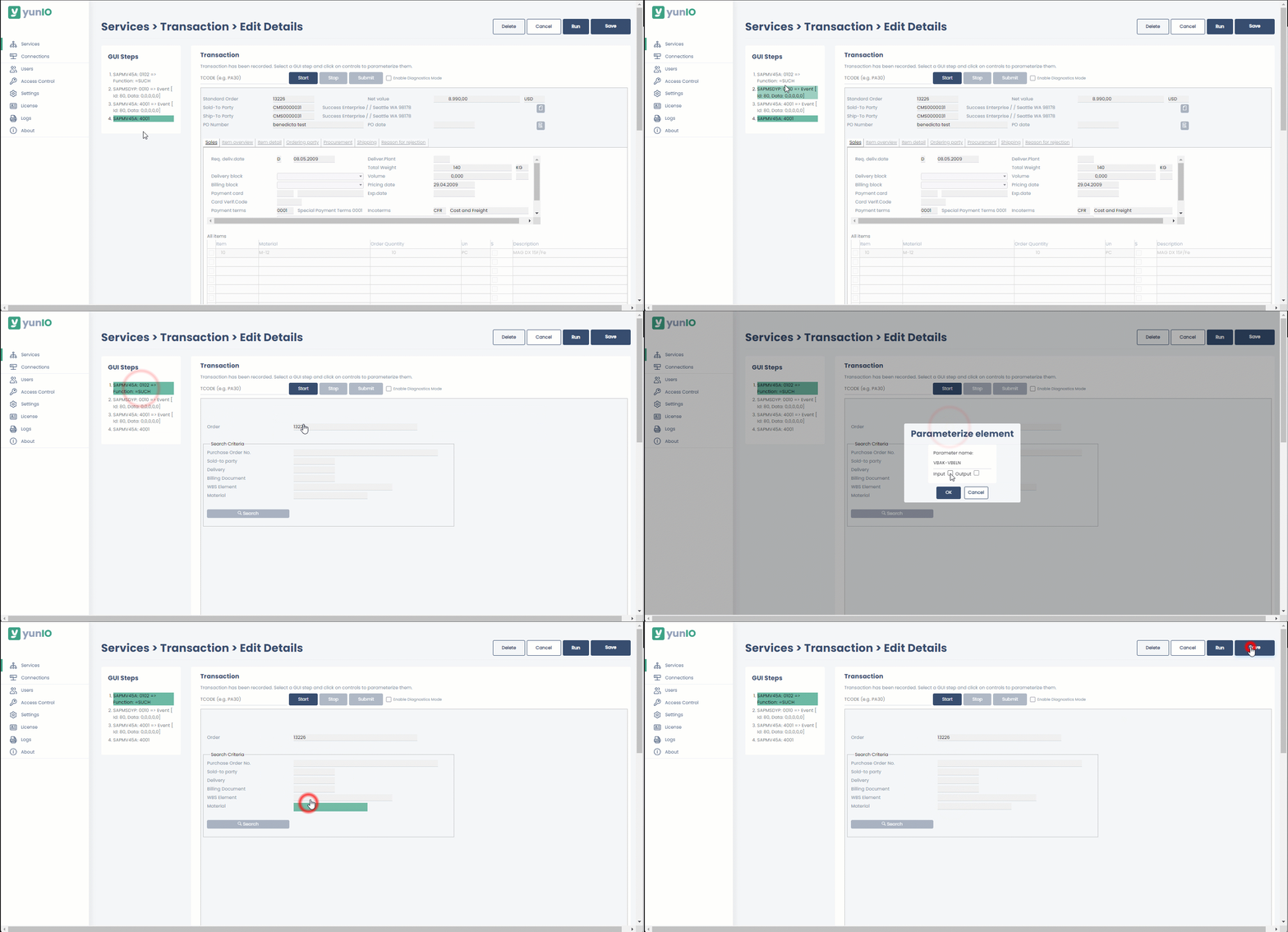
Lately, I started using gif animations in my documentation resources.
Following the motto “Show rather than tell”, animations can be useful in situations where users have to navigate a complex UI or use elements of the graphical interface. The downside of animations is maintenance (it’s easier to replace a screenshot than an animation).
Here’s what I consider, when recording animations.
Before Recording
- go through all actions at least once to see what areas of your screen need to be captured during recording and to gain confidence
- keep the animation short and focused > if you realize that the action takes long or involves a lot of movement/switching windows, consider creating a tutorial video instead (keep in mind that people can not stop and rewind animations to follow along)
- if necessary, resize your windows or zoom in,, so that peopla can still read button texts, etc. when the animation is embedded in a document
Recording
- crop the recording screen to only include the areas relevant for the action
- move the cursor slowly, so that people can follow your movements
- before ending the recording, do not move the cursor for a few moments, so that people register when the animation loop ends and a new loop starts
After Recording
- add an effect for left-clicking, so that people register when you click something
- process the animation at 12 frames per second to keep the file size small
- when including an animation in a documentation, check if a 1px border is necessary (e.g., if the animation area is not cropped to a window, but to a section of a window with no outlines)
In Markdown, embed animations like images. Example:
{:class="img-responsive" style="border:1px solid black;"}