In-Product Learning is treating UX and documentation not as a static repository, but as a set of connected, evidence-based learning interactions inside the product.
Why it Matters
Nowadays learning is not happening by reading documentation, but somewhere else: inside the product. Examples:
- Users learn what a feature does the moment they hover over a button.
- They learn how to complete a flow the first time they see an in-app walkthrough.
- They learn what changed from the release notes they see when they log in after an update.
As a result, the question for technical writers is no longer “How do I write better manuals?” but: “How do I design documentation as an in-product learning experience?”
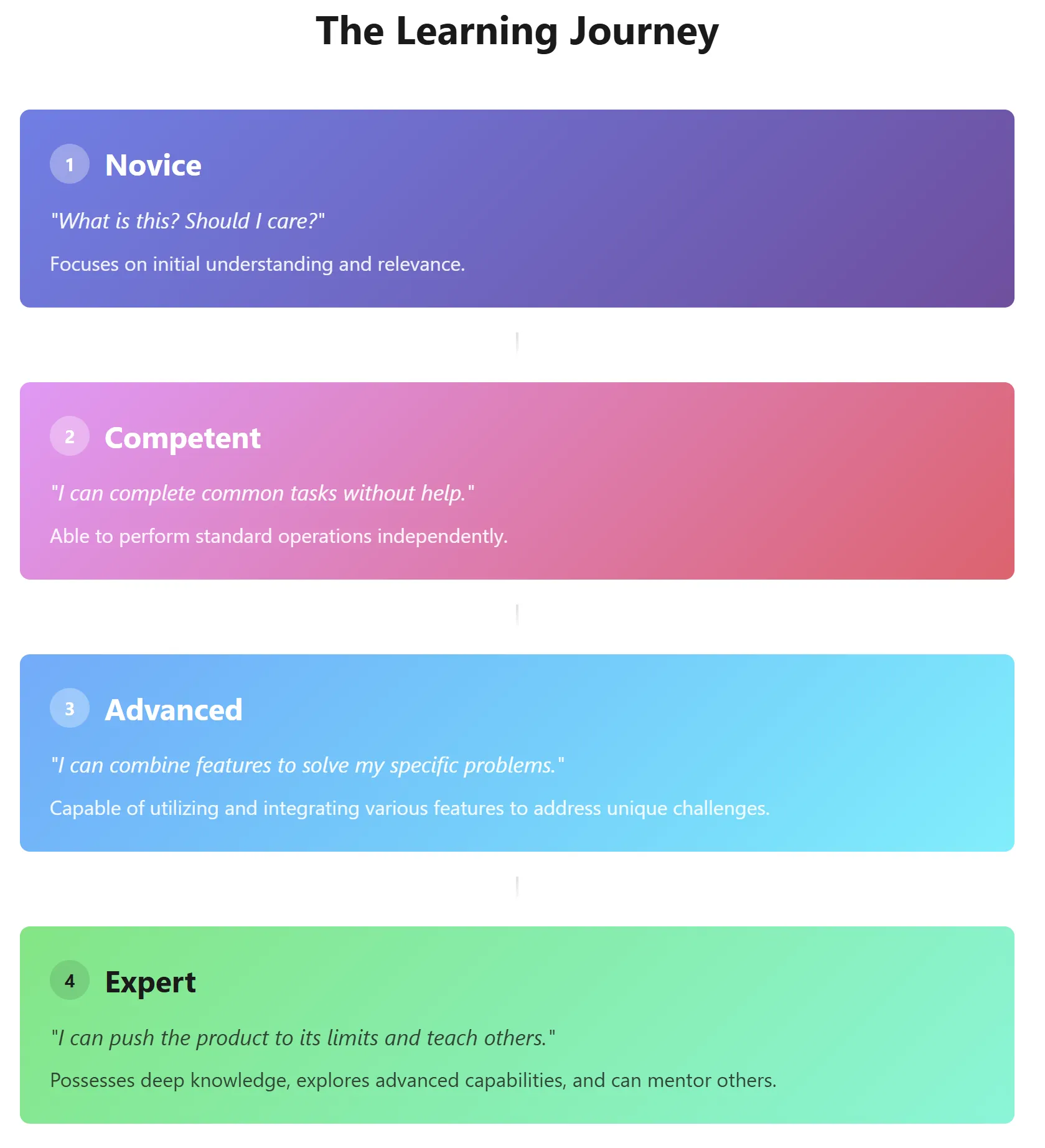
Learning Journey
Now documentation becomes a curriculum:
- What does a user need to understand?
- What does the product need them to be able to do?
- Which touchpoints (in-app, docs, support) are best for that learning?
Components for In-Product Learning
| Component | Definition | Best for | Learning Goal |
|---|---|---|---|
| Tooltips | Micro-reinforcement, not micro-text | Clarifying labels, concepts in context, or reminding users of side-effects | Help users understand what an element really means and proceed with confidence |
| Progressive Disclosure | Teach at the right depth | Complex settings panels or advanced options that only some users need | Keep novices from being overwhelmed while giving advanced users depth when they look for it |
| Guided Tours & Walkthroughs | First-run lessons | Critical first-time setup flows or high-value workflows where failure leads to churn | Get the user to their first meaningful outcome (“time to first value”) while reinforcing key mental models |
| Inline “Mini Lessons” | Small, task-focused help blocks that appear below complex forms or early in workflows | Providing framing inside workflows; appears below a form or at the start of a multi-step flow | Provide just enough conceptual framing so the next step makes sense, with a link to “Learn more.” |
There are other components as well such as API documentation with usable code samples.
Related Topics
- Eshult’s Law of Documentation Distance, seeDocumentation Laws
- Interactive Documentation
- Interactive Infographics